
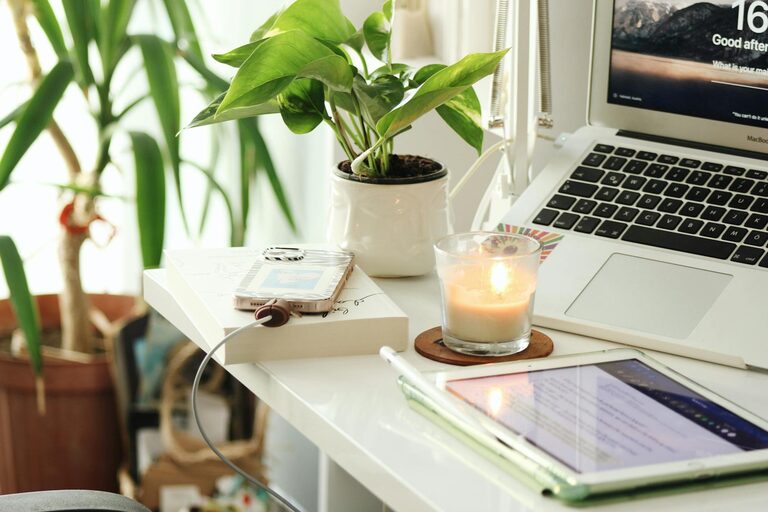
Creating a cozy and productive home office is essential for anyone working remotely or managing tasks from home. A well-designed workspace can boost your focus, reduce stress, and make your workdays more enjoyable. Whether you have a dedicated room or just a small corner, there are practical steps you can take to transform your area into an ideal office environment. Here are some tips to help you create a home office space that balances comfort and productivity.
Choose the Right Location
Consider Natural Light
Selecting a spot with plenty of natural light can improve your mood and energy levels. Try to position your desk near a window if possible, but avoid direct glare on your computer screen.
Minimize Distractions
Pick a quiet area away from high-traffic parts of your home. If space is limited, consider using room dividers or noise-cancelling headphones to reduce distractions.
Invest in Comfortable Furniture
Ergonomic Chair
An ergonomic chair supports your posture and can prevent back and neck pain caused by long periods of sitting. Look for adjustable features to fit your needs.
Functional Desk
Choose a desk with enough surface space for your computer, notebooks, and other essentials. If you prefer standing sometimes, consider a height-adjustable desk.
Optimize Lighting
Combine Natural and Artificial Light
Use a mix of natural light and good-quality artificial lighting to reduce eye strain. Desk lamps with adjustable brightness can help you focus during late hours.
Avoid Harsh Lighting
Soft, warm tones are more comfortable and create a cozy atmosphere compared to harsh fluorescent lights.
Organize Your Workspace
Declutter Regularly
Keep only the items you use daily on your desk. Store extra supplies in drawers, shelves, or storage boxes to maintain a neat workspace.
Use Organizational Tools
Desk organizers, cable management solutions, and filing systems help reduce clutter and make your workspace more efficient.
Add Personal Touches
Include Plants
Small plants can brighten your space and improve air quality. Choose low-maintenance varieties like succulents or snake plants.
Decorate Thoughtfully
Add artwork, photos, or inspirational quotes that make you feel positive without distracting you from your work.
Manage Noise Levels
Soundproofing Tips
Consider rugs, curtains, or foam panels to absorb sound and create a quieter environment.
Background Music
If silence is distracting, try playing soft instrumental music or white noise to help you concentrate.
Establish Boundaries
Separate Work and Leisure
Designate your home office as a work-only zone to mentally separate your professional and personal life.
Set Work Hours
Stick to a regular schedule and take breaks outside your work area to recharge and avoid burnout.
Utilize Technology Wisely
Reliable Equipment
Invest in a good-quality computer, printer, and high-speed internet connection to minimize technical disruptions.
Use Productivity Apps
Tools like task managers, calendar apps, and focus timers can help you stay organized and on track.
Maintain Comfort
Temperature Control
Ensure your office space has proper ventilation and temperature control to keep you comfortable year-round.
Comfortable Accessories
Use wrist rests, footrests, or cushions if needed to enhance comfort during long work sessions.
Conclusion
Designing a home office that is both cozy and productive doesn’t require a complete renovation. With thoughtful choices around location, furniture, lighting, organization, and personal touches, you can create a space that supports both comfort and work efficiency. Remember, your home office should be a place where you feel motivated and focused — take the time to personalize and optimize it to fit your unique work style.